Phishing Alert: Attackers Exploit Bitwarden Send to Harvest Microsoft Credentials
Security researchers have identified a phishing campaign that cleverly abuses Bitwarden Send — a legitimate file and text sharing feature, to distribute credential-harvesting pages that bypass traditional email filters.
PHISHING
How the Attack Works
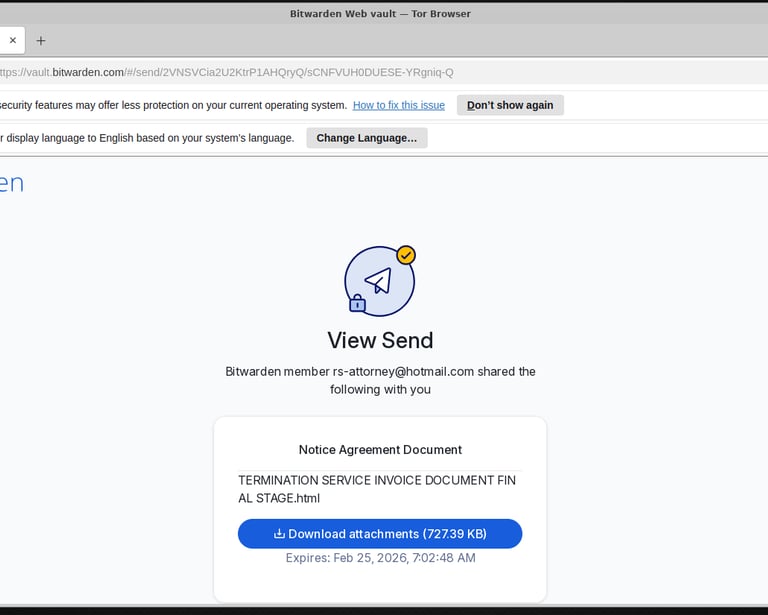
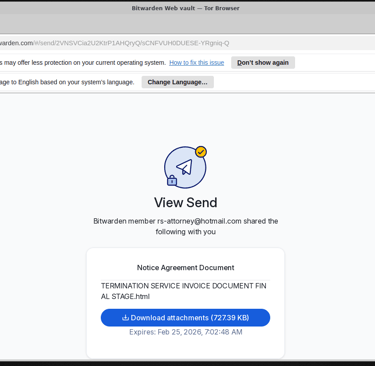
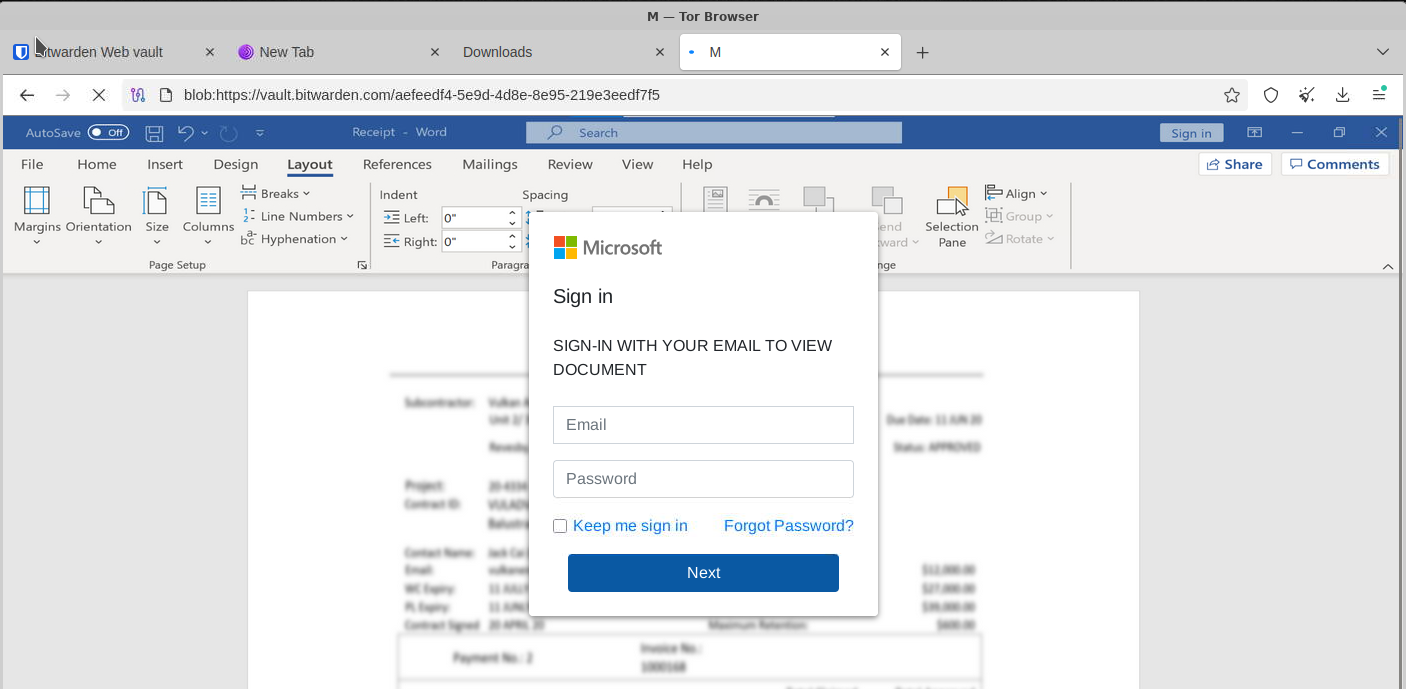
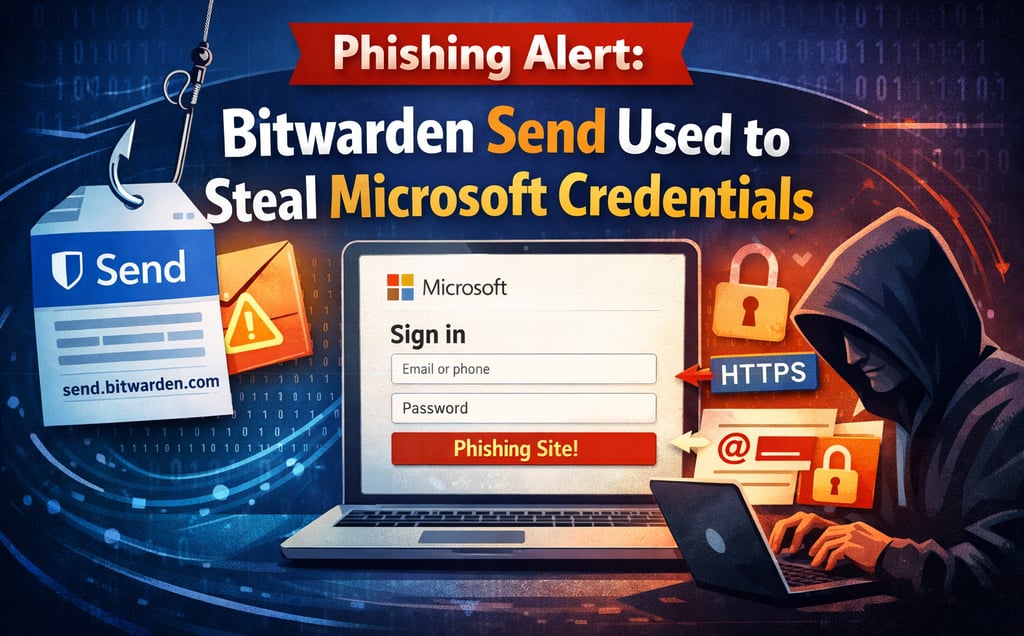
The campaign originates from the Hotmail account example@hotmail.com as part of what appears to be a mass email operation. Recipients receive a message containing a link to a Bitwarden Send URL, which hosts a malicious HTML attachment designed to impersonate a Microsoft login page.
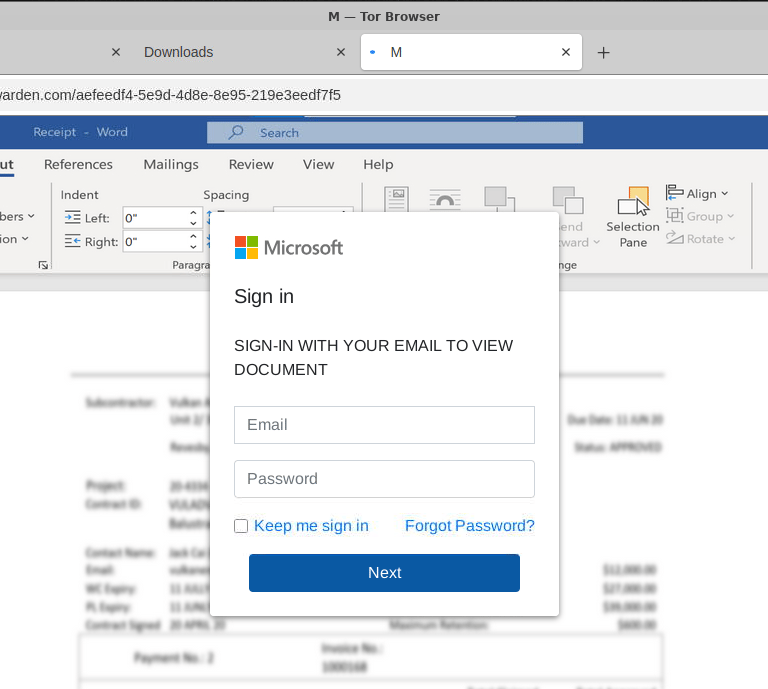
Because the link points to a trusted send.bitwarden.com domain, many email security gateways and spam filters let it pass without flagging it. Once the victim clicks through and opens the HTML file, they're presented with a convincing fake Microsoft sign-in page. Any credentials entered are sent directly to the attacker.
Why This Technique Is Effective
Abusing legitimate platforms — sometimes called "living off trusted sites" — is a growing trend in phishing because:
Trusted domains bypass filters. Security tools often whitelist services like Bitwarden, OneDrive, or Google Drive.
HTTPS adds a false sense of security. The padlock icon is present, but it only means the connection is encrypted, not that the site is safe.
Brand impersonation lowers suspicion. A familiar Microsoft login page reassures many users into entering their details.
What To Do If You Received This
If you received a Bitwarden Send link from example@email.com or a similar unknown sender:
Do not click the link or open any attachments.
Report it to your email provider and IT/security team.
If you already entered credentials, change your Microsoft password immediately and enable multi-factor authentication.
Report the malicious Send link directly to Bitwarden at security@bitwarden.com.
The Bigger Takeaway
No platform is immune to abuse. Treat any unsolicited link — even one pointing to a well-known service — with skepticism, especially when it asks you to log in. Always navigate to login pages directly rather than through email links.
Stay cautious out there.